Quick answer
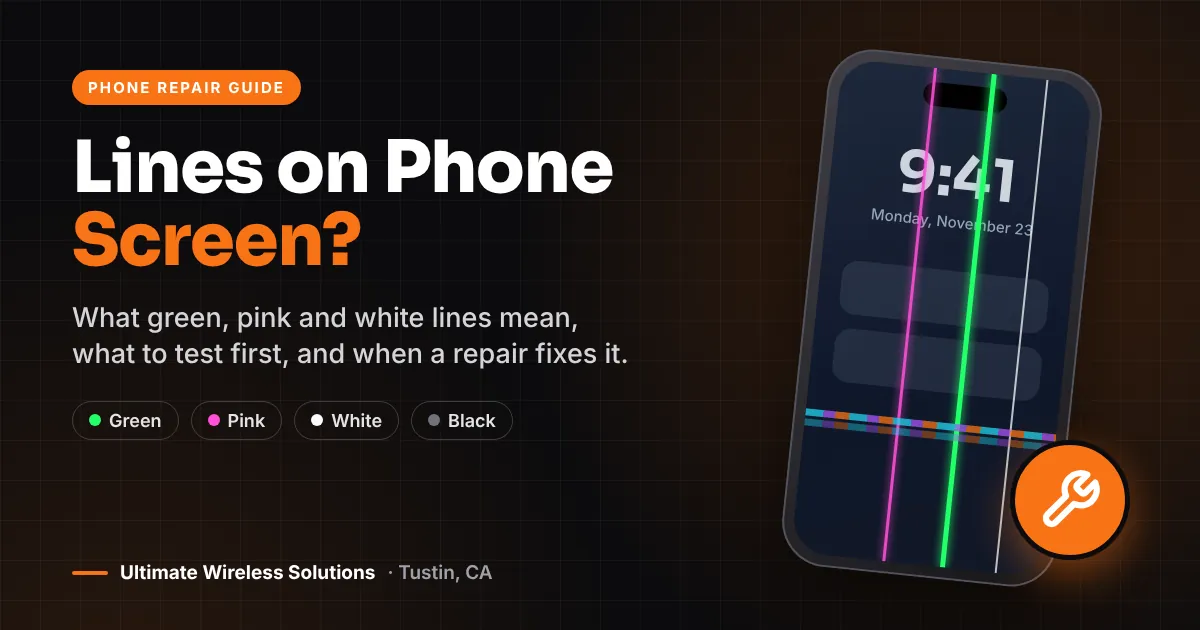
- Most lines are hardware. A single green, pink or white line on an OLED screen usually points to a failing panel or display connection.
- Test before you pay for anything. Restart, take a screenshot and watch the startup logo. Those three checks tell software from hardware.
- Back up today. Lines often spread, and touch can stop working without warning.
- Check your warranty. If the phone was never dropped or wet, Apple, Samsung or Google may cover it.
- A new screen fixes it when the panel is the problem. Call or get a free quote.
Lines on your screen? Get it checked in Tustin
Ultimate Wireless Solutions repairs iPhone, Samsung Galaxy, Google Pixel and other phone screens for customers across Orange County. Every phone is different, so call or get a free quote.
Lines on phone screen: what each type usually means
At our Tustin shop we often see screen lines on iPhones, Galaxy phones and Pixels, including phones that were never dropped. The color and pattern give you a good first clue about what's going on.
- One thin green or pink vertical line. The classic OLED fault: a column of pixels, or the circuit driving it, has failed. It often appears out of nowhere, sometimes right after an update.
- A white line or lines that flicker when you press or twist the phone. This usually points to a loose or damaged display connector or flex cable inside.
- Many colored lines, bars or rainbow stripes. Usually impact or pressure damage: a drop, a bent frame, or a phone that was sat on in a back pocket.
- Black lines or a black blot that keeps growing. The OLED layers are damaged and the dead area tends to spread like ink.
- Lines plus ghost touch, flickering or a frozen screen. The touch layer is affected too. See our guide to screen repair for what that involves.
- Lines after the phone got wet. Liquid can corrode the display connector. Our water damage repair page explains why opening the phone up quickly matters.
Can a software update cause lines on your screen?
Many people first notice a green line on their iPhone screen, or on a Galaxy, the morning after an update. It's easy to blame the update, but usually the display hardware was already weak. An update means a long restart and extra heat, and that can be the moment a marginal panel or connector finally fails.
True software glitches do happen. They usually look like flickering, odd colors or a phone screen glitching across one app, and they tend to disappear after a restart. A sharp, fixed line that never moves is almost never software.
How to tell if the lines are software or hardware
These checks take about five minutes and won't hurt your phone. Do them in order.
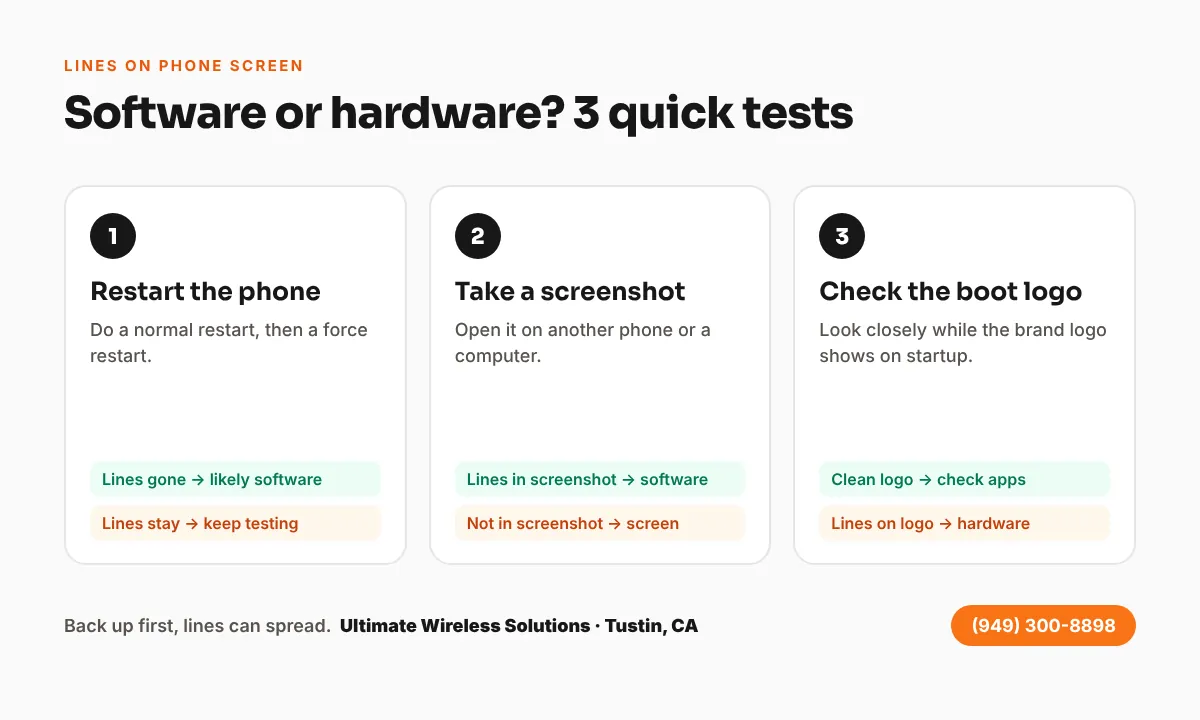
- 1Restart the phone. Turn it off and back on. Then try a force restart. On iPhone, press and release volume up, press and release volume down, then hold the side button until the Apple logo appears. On a Samsung Galaxy, hold the side key and volume down together for about 7 seconds.
- 2Take a screenshot. Open it on another phone or a computer. If the lines show up in the screenshot, the phone is drawing them, so it's software. If the screenshot is clean, the lines are in the screen hardware.
- 3Watch the startup logo. Restart and look closely while the Apple, Samsung or Google logo is on screen. No apps are running yet, so lines on the logo mean hardware.
- 4Rule out an app. Install any pending software updates. On Android, restart in Safe Mode, which turns off downloaded apps. If the lines disappear in Safe Mode, an app is the problem.
- 5Run the built-in checks. On a Galaxy, open the Samsung Members app and run the phone diagnostics under Support. It can test the screen and touch response.
- 6Take off the case and screen protector. Check for cracks, pressure marks or a screen that's lifting at the edge. Don't press or squeeze the glass to make the line go away; that can make the damage worse.
What actually fixes lines on a phone screen (and what doesn't)
When the tests point to hardware, here's what really works.
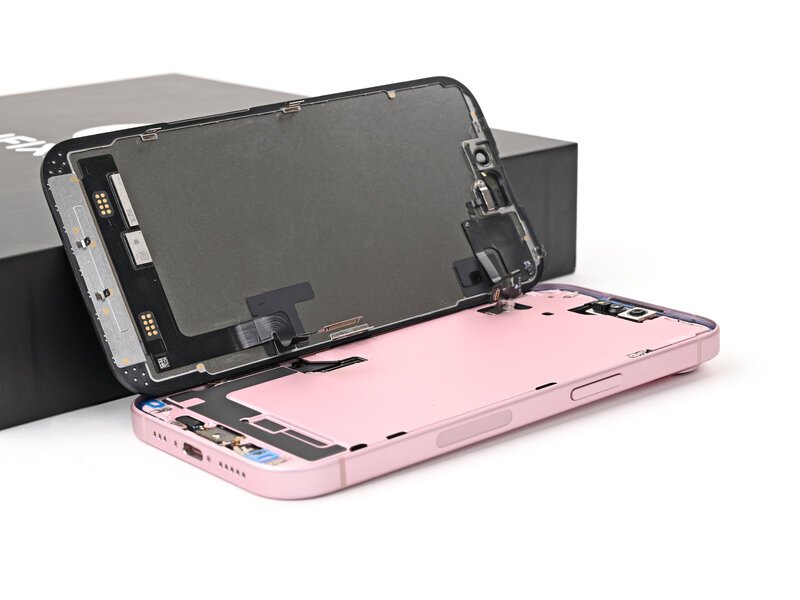
- Replacing the screen (display assembly). On OLED phones the panel and its driver are one part, so a failing pixel column means a new display. This is the fix for most green, pink and black lines.
- Reseating or replacing the display connection. If the line flickers or changes when the phone flexes, the connector or flex cable may be the issue. A technician checks this when the phone is opened.
- Board-level repair. Rarely, the connector on the logic board is damaged, often after a drop or liquid. That's a micro-soldering job.
And here's what won't fix a hardware line:
- Pixel-fixer apps and flashing-color videos. They can't repair a failed column of OLED pixels.
- A factory reset. It erases your data and leaves the line exactly where it was.
- Pressing, tapping or warming the screen. At worst you crack the panel or damage the battery.
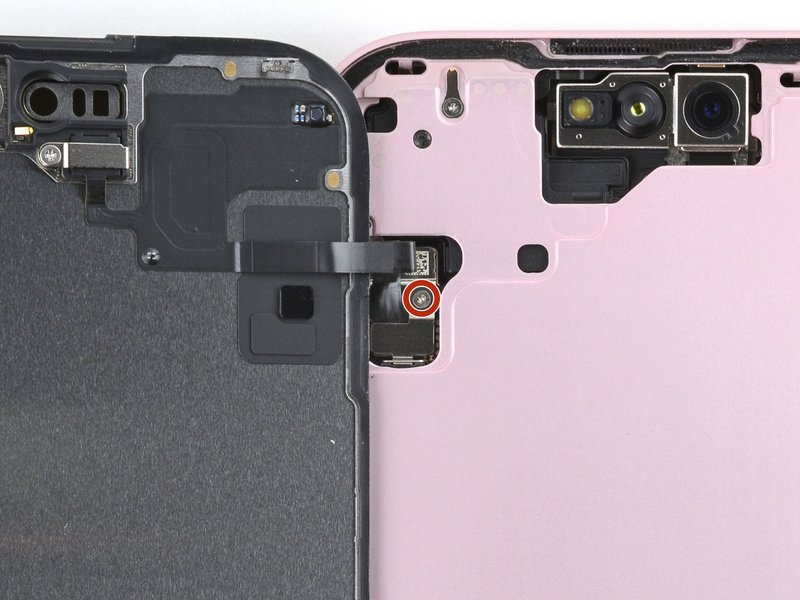
Curious what's involved? Our iPhone 15 screen replacement guide shows each step. OLED screens are glued in and easy to crack during removal, so most people are better off letting a technician do it.
Will the line go away on its own?
Rarely. A hardware line may fade for a while, but it usually comes back, and it can spread into more lines or a dead patch. Don't count on it fixing itself.
Check your warranty before you pay for a repair
If the line appeared on its own, with no drop, crack or water, check manufacturer coverage first.
- iPhone: look up your serial number on Apple's check coverage page to see if the phone is still under warranty or AppleCare.
- Samsung Galaxy or Google Pixel: Samsung has offered one-time free screen replacements for green lines on some Galaxy models in some countries. Ask Samsung or Google support whether your phone qualifies.
Out of warranty, or there's physical or liquid damage? That's when an independent repair shop makes sense. We repair iPhone screens, Samsung Galaxy phones and Google Pixel phones.
Back up now, before the screen gets worse
Lines are often the first sign of a failing display. Touch can stop responding or the screen can go black with little warning, so back up while you still can.
- iPhone: Settings > [your name] > iCloud > iCloud Backup > Back Up Now, or back up to a computer with a cable.
- Android: turn on Google backup in Settings (under Google or System, depending on the phone), or use Samsung Smart Switch on a Galaxy.
If the screen is already too damaged to use, don't wipe the phone. Our data recovery service can often get photos and contacts off a phone with a dead or unusable display.
When to bring it to a pro
Book a diagnostic or a screen repair if any of these sound familiar:
- The line survives a restart, isn't in your screenshots and shows on the startup logo.
- The lines are spreading, the screen flickers, or there's a growing black area.
- Touch is laggy, unresponsive or tapping things on its own (ghost touch).
- The lines started after a drop, pressure or liquid exposure.
- The screen is lifting away from the frame. That can mean a swollen battery, so stop charging the phone and bring it in.
Not sure the phone is worth fixing? Our guide to repair vs replace walks through the decision. If you'd rather sell it as is, we also buy damaged phones through our cash for phones service. And if the lines showed up after a spill, read what to do first with a water damaged phone.
FAQ: lines on a phone screen
Can lines on a phone screen be fixed?
Yes. If the lines are hardware, replacing the screen fixes them in most cases. If they show up in screenshots or disappear after a restart, they're software, and an update or app fix can clear them.
Will a green line on my phone screen go away?
Rarely. A green line from a failing OLED panel or connector usually stays, and it can spread into more lines. A restart only removes it when the cause is software.
Can a software update cause a green line on my iPhone?
Many people first see a green line right after an update, but the display was usually already weak. If the line survives a restart and shows on the Apple logo, it's a hardware fault.
Why is there a pink line on my phone screen?
A pink or purple line has the same causes as a green one: a failed column of OLED pixels or a damaged display connection. The fix is usually a screen replacement.
Is it safe to keep using a phone with lines on the screen?
Usually yes for a while, but back up right away because lines can spread and touch can fail. Stop using it if the screen lifts, the phone swells, gets hot or smells.
Will I lose my data if I get the screen replaced?
A screen replacement doesn't normally erase your data. It's still smart to back up first, just in case.
Lines on your screen in Orange County?
Bring your phone to Ultimate Wireless Solutions at 18062 Irvine Blvd Suite 207, Tustin, CA 92780, or call (949) 300-8898. We diagnose and fix screen lines for customers across Tustin, Irvine, Santa Ana, Orange, Anaheim, Costa Mesa, Newport Beach, Mission Viejo and Lake Forest. Coming from Irvine? See our cell phone repair in Irvine page for directions. Every phone is different, so call or get a free quote, or book an appointment and we'll take a look.