Professional iPhone Repair in Tustin and Orange County
Ultimate Wireless Solutions repairs supported iPhone models at our Tustin shop and may offer mobile repair service throughout participating Orange County cities. From cracked screens and weak batteries to charging issues, back-glass damage, camera problems and devices that will not turn on, our technicians can inspect the device and explain the available repair options.
Fast, Professional iPhone Repair in Tustin
iPhones are used for communication, work, navigation, photos, payments, business, school and daily tasks — so even a small issue can quickly become disruptive. A cracked screen, a weak battery or a charging port that only works at certain angles can interrupt an entire day.
Repair availability depends on the exact iPhone model, the extent of the damage, replacement-part availability and diagnostic findings. We do not claim Apple authorization, and we do not claim that every replacement part used is a genuine Apple part. Our technicians will explain what applies to your specific device before any work begins.
Looking for repair on a different phone brand? Visit our general Phone Repair page for Samsung, Google Pixel, Motorola and OnePlus devices.
Serving a specific city? See our iPhone repair pages for Anaheim, Irvine and Santa Ana — mobile service areas served from our Tustin storefront. For the full range of device repair in the area, see our Santa Ana repair hub.
Choose How You Want Your Repair
Select the repair option that works best for your device, location, and schedule.
Common iPhone Repairs
Explore the iPhone repair services we offer. Click through for more detail on a given repair type.
iPhone Screen Repair
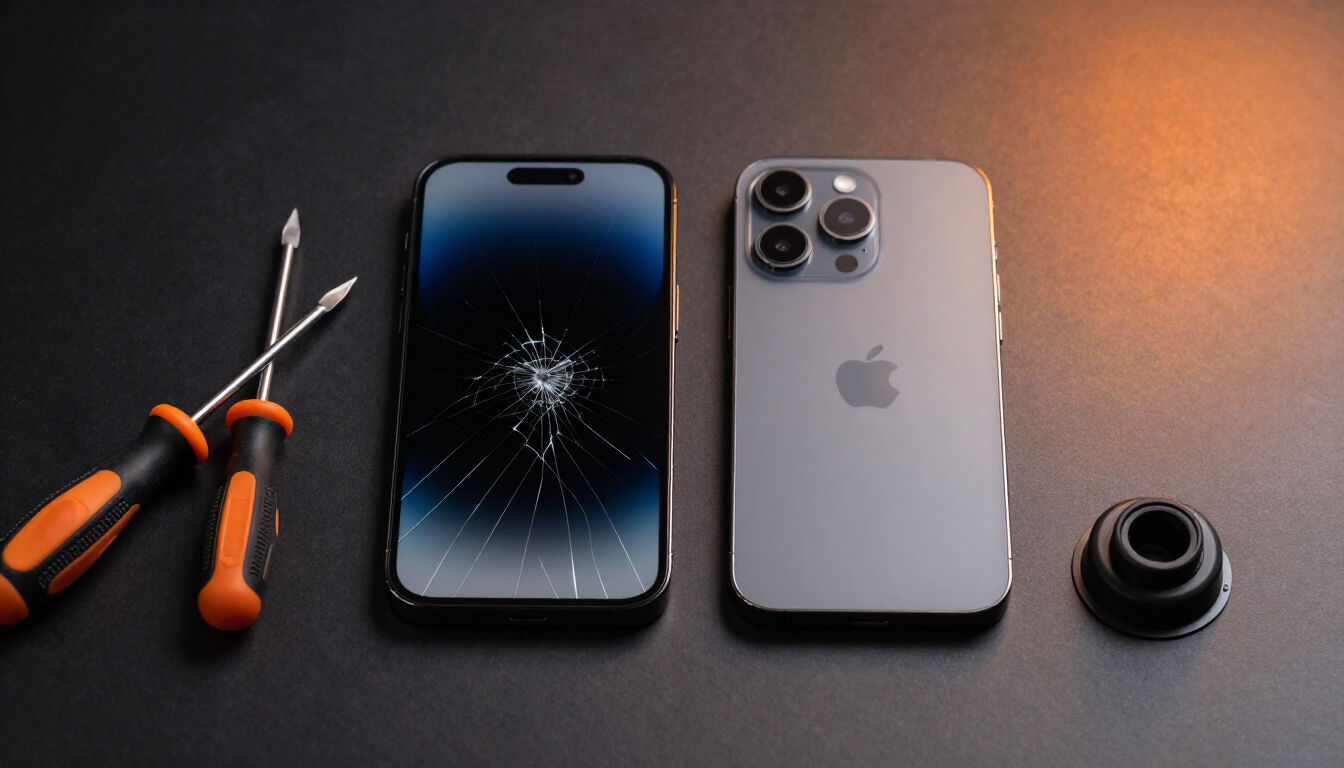
Cracked outer glass, damaged LCD or OLED displays, black screens, flickering, colored lines, dead pixels, touchscreen failure, ghost touching, dark spots, screen separation, and frame damage affecting the display.
Learn more →iPhone Battery Replacement
For rapid battery drain, unexpected shutdowns, battery-health warnings, slow charging, excessive heat, battery percentage jumping, reduced performance, and swollen batteries. Stop using a swollen or overheating iPhone.
Stop using a swollen or overheating device.
Learn more →iPhone Charging-Port Repair
Charging only at certain angles, cables not staying connected, debris inside the port, bent pins, corrosion, moisture warnings, accessory-not-supported messages, charging flex failure, and board-level charging issues. Not every charging problem requires full port replacement.
Learn more →iPhone Back-Glass Repair
Cracked rear glass, sharp glass edges, camera-area damage, wireless-charging concerns, and housing damage. We can explain back-glass repair versus full housing replacement for your model.
Learn more →iPhone Camera Repair
Blurry photos, camera shaking, focus problems, black camera screen, damaged lens, and front- or rear-camera failure.
Learn more →Speaker & Microphone Repair
Low volume, distorted sound, no sound, callers unable to hear you, speakerphone problems, microphone cutting out, and voice-recording issues.
Button Repair
Power button, volume buttons, mute switch, home button where applicable, side button, and stuck or unresponsive controls.
Face ID & Sensor Diagnostics
Possible causes include front sensor damage, flood-illuminator problems, dot-projector issues, camera alignment, liquid damage, previous repair damage, paired-component limitations, and logic-board issues. We cannot guarantee every Face ID problem can be repaired.
Antenna & Signal Diagnostics
Weak cellular reception, no service, Wi-Fi problems, Bluetooth problems, GPS issues, SIM-reader problems, and antenna damage.
Learn more →Water-Damage Diagnostics
Liquid exposure can damage charging circuits, the battery, cameras, the display, speakers, microphones, the logic board, and connectors. Corrosion can continue even when the phone appears dry.
Learn more →iPhone Data Recovery
Recovery may be possible from damaged or non-working devices, but results depend on storage condition, logic-board condition, and security protections. Data recovery is not guaranteed.
Learn more →Water Exposure? Act Quickly
- 1Turn the iPhone off.
- 2Do not charge it.
- 3Do not use a hair dryer, heater or oven.
- 4Do not place it in rice.
- 5Arrange professional inspection as soon as possible.
Corrosion can continue even when the phone appears dry — inspection sooner improves your options.
Common Signs Your iPhone Needs Repair
- Cracked or shattered screen
- Touchscreen not responding
- Ghost touching
- Green, white or colored display lines
- Black display while the phone still makes sounds
- Battery draining unusually fast
- Unexpected shutdowns
- Phone overheating
- Charger only working at certain angles
- Camera not focusing
- Speaker distortion
- Microphone failure
- Face ID failure
- Weak cellular reception
- Wi-Fi or Bluetooth disconnecting
- Back glass separating from the frame
- Phone stuck on Apple logo
- Repeated restarting
- Phone not turning on
- Water exposure
- Bent frame
Supported iPhone Families
An organized directory of officially released iPhones we support, from iPhone 6 onward. We do not publish rumored or unreleased models.
Includes standard, mini, Plus, Pro, Pro Max and SE variants. Browse the full iPhone model directory for model-specific repair pages, or repair for older iPhone 4, 4s, 5, 5c and 5s devices — contact us to confirm parts availability for legacy models.
Repair or Replace Your iPhone?
Repair may make sense when:
- The phone still meets your needs
- Damage is limited to one or two components
- Important data is stored on the device
- Replacement would cost much more
- The device is otherwise in good condition
Replacement may be worth considering when:
- The frame is severely bent
- Multiple major components are damaged
- The device is extremely old
- Repair cost approaches replacement value
- Software support has ended
- Storage or performance no longer meets your needs
Preparing an iPhone for Repair
- Back up important data when possible
- Know your Apple ID password
- Disable Find My iPhone when requested
- Remove cases and accessories
- Bring the charging cable for charging-related issues
- Explain any previous repairs
- Disclose any water exposure
- Avoid erasing the device unless instructed
iPhone Repair Process
- 1
Select the iPhone model
Tell us the exact model so we can confirm parts and pricing.
- 2
Choose the repair needed
Screen, battery, charging, back glass, camera or another issue.
- 3
Request a quote or book an appointment
Get pricing up front or reserve a time at our Tustin shop.
- 4
Visit the Tustin store or ask about mobile service
Walk-ins are welcome; mobile service may be available in your city.
- 5
Complete diagnostics and approve the repair
A technician inspects the device before any work begins.
- 6
Test the device before pickup or return
We confirm the repair before handing the iPhone back to you.
Many common repairs may be completed the same day, but turnaround depends on the model, damage, parts and diagnostics.
Ways to Get Your iPhone Repaired
Tustin Store Repair
Walk-ins are welcome, but calling or booking first helps us confirm availability before you arrive.
Learn more →Mobile iPhone Repair
Available for qualifying repairs in participating Orange County cities, depending on parts and technician availability.
Learn more →Mail-In iPhone Repair
Available for customers who cannot visit the store in person or who need a more advanced repair.
Learn more →Business & Bulk iPhone Repair
Available for companies, schools, property managers and organizations with multiple devices.
Learn more →Service availability depends on your location, device, repair type, parts availability, and technician availability. Contact us to confirm before booking.
iPhone Repair FAQs
Many common repairs, such as screen or battery replacement, may be completed the same day. Turnaround depends on the model, damage, parts availability and diagnostic findings.
Need Your iPhone Repaired?
Request a quote, book an appointment at our Tustin shop, or call Ultimate Wireless Solutions at 949-300-8898. Explore phone repair, mobile repair service, mail-in repair, or read our customer reviews.
Apple, iPhone and related trademarks are the property of Apple Inc. Ultimate Wireless Solutions is an independent repair provider and is not affiliated with, sponsored by, or endorsed by Apple Inc.