Professional iPad Repair in Tustin and Orange County
Ultimate Wireless Solutions repairs supported iPad, iPad Air, iPad mini and iPad Pro models at our Tustin shop. Mobile or mail-in service may also be available depending on the model, repair type, parts and technician availability.
Professional iPad Repair for Screen, Battery and Charging Problems
iPads are widely used for school, business, creative work, entertainment, communication, point-of-sale systems, field work, video calls and digital forms. A damaged iPad does not always need to be replaced — many common issues can be diagnosed and repaired.
Looking for a different tablet? Visit our general Tablet Repair page for Samsung Galaxy Tab and Microsoft Surface devices, or see our Phone Repair and iPhone Repair pages.
In Irvine? See our dedicated iPad repair page for Irvine, a mobile service area supported from our Tustin storefront. In Santa Ana? See our iPad repair page for Santa Ana.
Choose How You Want Your Repair
Select the repair option that works best for your device, location, and schedule.
Common iPad Repairs
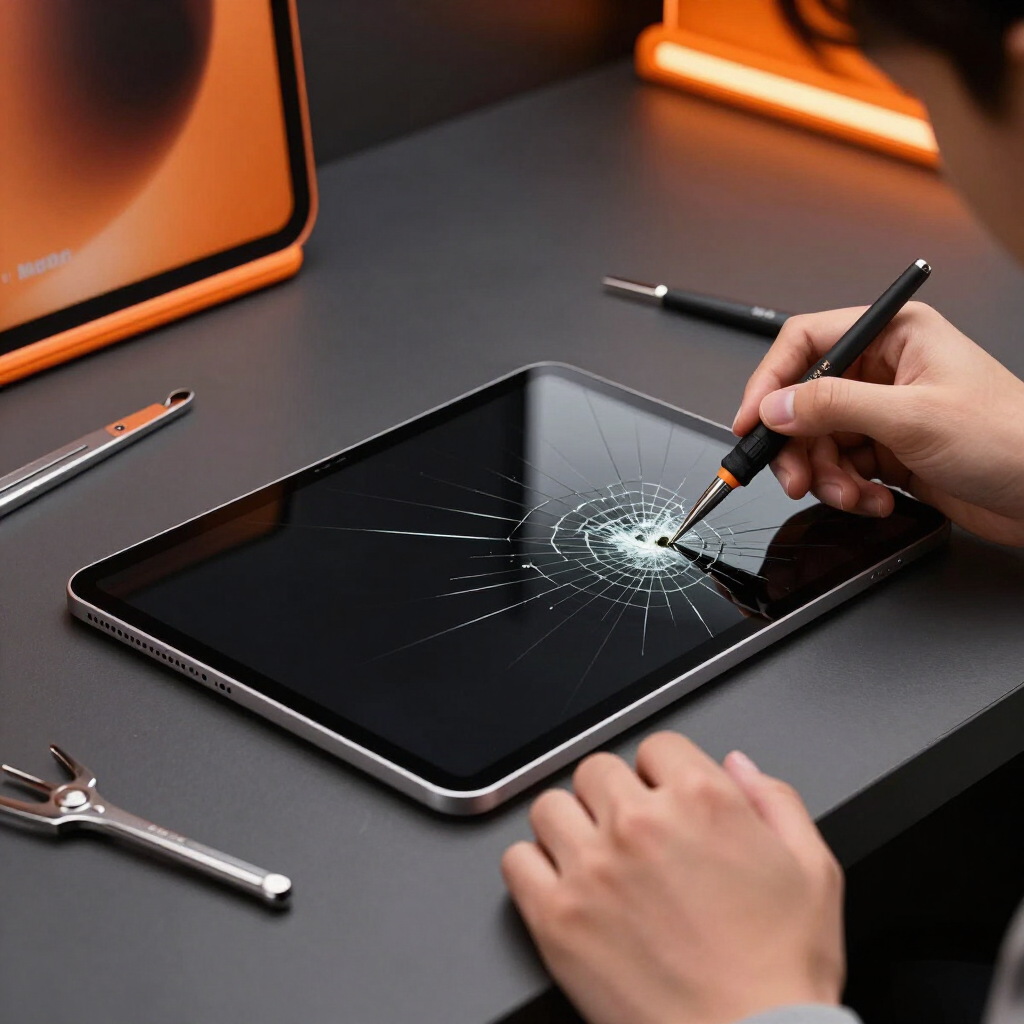
Cracked Glass Repair
Broken outer glass, sharp edges, touch problems and screen separation. We can help you understand cosmetic versus functional damage before deciding on repair.
iPad Digitizer Repair
Touchscreen not responding, ghost touching, dead zones, random input, and Apple Pencil response issues.
iPad LCD & OLED Repair
Black screen, flickering, lines, dark spots, backlight issues, a broken display, or a damaged laminated display.
iPad Battery Replacement
Rapid drain, unexpected shutdowns, slow charging, battery not reaching full charge, overheating, reduced runtime, swollen batteries, and screens lifting from the frame.
Stop using a swollen or overheating iPad.
iPad Charging-Port Repair
Lightning and USB-C ports, loose connections, cables not staying in place, debris, bent pins, corrosion, charging-port assembly damage, board-level charging problems, and microsoldering where required.
iPad Camera Repair
Front and rear camera issues, blurry video, black camera screen, FaceTime camera failure, and focus problems.
Speaker & Microphone Repair
Low sound, distorted audio, no audio, FaceTime microphone problems, recording problems, and speaker imbalance.
Button Repair
Home button, power button, volume buttons, stuck buttons, and damaged button flex cables.
Software & Startup Problems
Frozen Apple logo, boot loop, repeated restarting, update failures, a disabled device, iPad unavailable, frozen apps, and slow performance.
Water-Damage Diagnostics
Moisture can damage the display, charging system, battery, speakers, cameras, logic board and connectors.
Learn more →Logic-Board Repair
Some no-power, charging, display and liquid-damage problems may require board-level repair or microsoldering.
iPad Data Recovery
Recovery depends on storage condition, logic-board condition and device security. Data recovery is not guaranteed.
Learn more →Water Exposure? Act Quickly
- 1Turn the iPad off.
- 2Do not charge it.
- 3Do not use heat.
- 4Do not place it in rice.
- 5Arrange inspection promptly.
iPad Screen Construction
Different iPad models are built differently, including:
- Separate outer glass and LCD on some models
- Laminated display assemblies on newer models
- LCD displays on most models
- OLED displays on supported Pro models
- Apple Pencil-sensitive digitizers on supported models
- Different connector designs across generations
- Different housing designs across generations
Model identification is necessary before we can quote your repair accurately.
Common Signs Your iPad Needs Repair
- Cracked outer glass
- Touchscreen not responding
- Ghost touching
- Display lines
- Dark spots
- Flickering
- Black screen
- Battery draining quickly
- Unexpected shutdowns
- iPad overheating
- Charging cable not staying connected
- Home button not working
- Power or volume buttons sticking
- Camera failure
- Speaker distortion
- Microphone failure
- Frozen Apple logo
- Repeated restarting
- Bent frame
- Screen separating from housing
- Water exposure
Supported iPad Families
We do not publish rumored or unreleased models.
iPad
The standard iPad lineup, including current and prior generations.
iPad Air
A thinner, lighter line positioned between the standard iPad and iPad Pro.
iPad mini
The compact iPad line, popular for portability and one-hand use.
iPad Pro 11-inch
The smaller Pro model, including Face ID and Apple Pencil-capable generations.
iPad Pro 12.9-inch
The larger Pro model, including Liquid Retina XDR display generations.
Contact us with your exact model number and we'll confirm current parts and repair availability.
Individual iPad Repair Pages
Select your exact iPad for model-specific repair information. Pages cover iPad models released from 2015 forward.
iPad
iPad mini
iPad Air
iPad Pro
Apple Pencil and Touch Issues
- Touchscreen dead zones
- Apple Pencil not responding
- Intermittent touch
- Ghost touching
- Digitizer damage
- Software or pairing problems
- Screen-replacement effects on touch functionality
We cannot guarantee Apple Pencil repair for every model.
Frame and Housing Damage
A bent or damaged frame can:
- Prevent a replacement screen from sitting correctly
- Cause repeated screen cracking
- Affect button alignment
- Damage charging ports
- Apply pressure to the battery
- Require housing repair or replacement
Repair or Replace Your iPad?
Repair may make sense when:
- The iPad is relatively recent
- Damage is limited to one repairable component
- Important data is stored on it
- The device is used for work or school
- Replacement cost is much higher
- The device otherwise performs well
Replacement may be more practical when:
- The frame is severely bent
- Several major components are damaged
- The model is no longer supported
- Repair cost approaches replacement value
- Storage or performance no longer meets your needs
Preparing an iPad for Repair
- Back up data when possible
- Identify the model number
- Know the Apple ID password
- Disable Find My when requested
- Remove cases and keyboard covers
- Bring the charger for charging issues
- Explain any previous repairs
- Disclose any water exposure
- Note whether Apple Pencil problems are involved
iPad Repair Process
- 1
Identify the iPad model
We'll help confirm the exact model number if you're unsure.
- 2
Describe the problem
Tell us what's happening — screen, battery, charging, sound or another issue.
- 3
Request a quote or book an appointment
Get pricing up front or reserve a time at our Tustin shop.
- 4
Complete inspection and diagnostics
A technician confirms the cause before recommending a repair.
- 5
Approve the recommended repair
Work begins only after you approve the price and repair plan.
- 6
Test the display, charging, buttons, cameras, sound and connectivity
We confirm the repair before returning your iPad.
School and Business iPad Repair
Who We Support
- School-issued iPads
- Student device programs
- Business tablets
- Point-of-sale devices
- Medical or field-service tablets
- Property-management devices
How It Works
We can evaluate multiple devices together, with pickup and drop-off where available, repair tracking, and custom quotes. We do not promise fixed volume discounts unless approved for your organization.
Request a custom quote →Ways to Get Your iPad Repaired
Tustin In-Store Repair
Walk-ins are welcome, but calling or booking first helps confirm availability.
Learn more →Mobile Repair Where Available
Availability depends on model, repair type, parts and technician availability in your city.
Learn more →Mail-In Service
A convenient option for customers who cannot visit the Tustin store in person.
Learn more →Business & School Bulk Repair
Multiple-device diagnostics, pickup and drop-off where available, and custom quotes.
Learn more →Service availability depends on your location, device, repair type, parts availability, and technician availability. Contact us to confirm before booking.
iPad Repair FAQs
The model number is usually printed on the back of the device, or found in Settings > General > About. We can also help identify it in person.
Need Your iPad Repaired?
Request a quote, book an appointment at our Tustin shop, or call Ultimate Wireless Solutions at 949-300-8898. For iPad repair service in the area, see our iPad repair in Santa Ana page or the Santa Ana repair hub.
Apple, iPad and related trademarks are the property of Apple Inc. Ultimate Wireless Solutions is an independent repair provider and is not affiliated with, sponsored by, or endorsed by Apple Inc.