
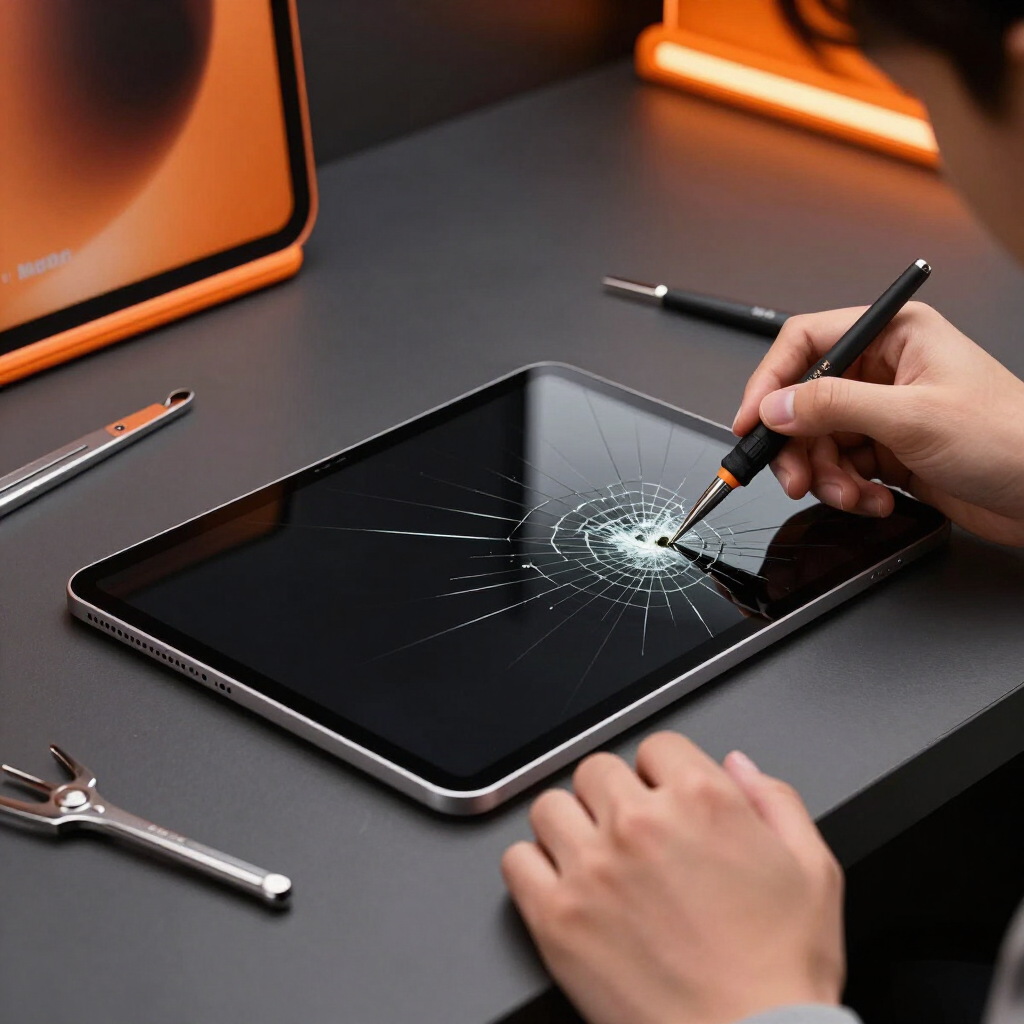
iPad (5th generation) Repair in Tustin and Orange County
Professional repair for the iPad (5th generation) (9.7-inch, released 2017) at our Tustin shop, with eligible mobile and mail-in service for qualifying repairs.
About the iPad (5th generation)
The iPad (5th generation) is a 9.7-inch iPad model released in 2017. It charges through a Lightning port and uses a non-laminated lcd display (separate front glass and lcd). Biometrics: touch id in the home button. This model does not support Apple Pencil.
Because Apple's iPad lineup uses different screens, batteries, housings and parts across sizes and generations, we confirm your exact model number before quoting. Looking for a different device? See our iPad Repair hub or general Tablet Repair page.
- Generation
- 5th generation
- Screen size
- 9.7-inch
- Release year
- 2017
- Charging port
- Lightning
- Display
- Non-laminated LCD display (separate front glass and LCD)
- Biometrics
- Touch ID in the Home button
- Model numbers
- A1822, A1823
iPad (5th generation) Repairs We Offer
Front glass / digitizer repair
On this model the outer glass and LCD are separate layers, so cracked glass or touch failure can sometimes be addressed with a glass/digitizer repair when technically and commercially appropriate.
Learn more →LCD repair
Lines, dark spots, backlight issues or a black display point to the LCD, which is a separate layer on this model.
Learn more →Full display assembly replacement
When both the outer glass and LCD are damaged, a full display assembly replacement is usually the better option.
Learn more →Battery replacement
Rapid drain, unexpected shutdowns, slow charging, overheating or a swollen battery. Stop using a swollen or overheating iPad.
Learn more →Lightning charging-port repair
Lightning port issues: loose connection, no charging, intermittent charging, bent pins, debris or accessory-detection problems. Charging symptoms can also involve the cable, adapter, battery or logic board.
Learn more →Home-button repair
Unresponsive, sticky or damaged Home button and button flex issues.
Touch ID diagnostics
Touch ID troubleshooting. Biometric diagnostics depend on the damaged component and the device's security pairing; some original components are paired to the logic board and may have repair limitations.
Speaker repair
Low, distorted or missing audio and speaker imbalance.
Microphone repair
Callers can't hear you, recordings fail or FaceTime audio is weak.
Volume-button repair
Stuck, unresponsive or damaged volume buttons.
Power-button repair
Stuck, unresponsive or damaged power/sleep button.
Frame / housing repair
A bent frame can stop a screen sitting correctly, cause repeated cracking or press on the battery.
Wi-Fi & Bluetooth diagnostics
Weak or dropping Wi-Fi and Bluetooth pairing problems.
Cellular antenna diagnostics (cellular models)
Poor signal, no cellular data or SIM-detection problems on cellular (Wi-Fi + Cellular) models.
Learn more →Water-damage diagnostics
Moisture can affect the display, charging system, battery, cameras and logic board. Liquid-damage repairs are not guaranteed.
Learn more →Logic-board repair
Some no-power, charging, display and liquid-damage problems require board-level repair or microsoldering.
Data recovery
Recovery depends on storage condition, logic-board condition and device security. Data recovery is not guaranteed.
Learn more →Signs Your iPad (5th generation) Needs Repair
- Cracked or shattered glass
- Touchscreen not responding or ghost touch
- Colored lines, dark spots or a black display
- Battery draining quickly or unexpected shutdowns
- iPad not charging through the Lightning port
- Bent frame or screen lifting from the housing
- Home button not working
- Front or rear camera problems
- Speaker distortion or microphone failure
- Wi-Fi, Bluetooth or cellular connectivity problems
- Boot loop, frozen Apple logo or no-power condition
How We Repair Your iPad (5th generation)
- 1
Confirm the exact iPad model
We verify the model number, since parts and construction differ across generations and sizes.
- 2
Diagnose the issue
A technician confirms the underlying cause before recommending a repair.
- 3
Confirm parts and pricing
You receive the price and repair plan up front.
- 4
Complete the approved repair
Work begins only after you approve the quote.
- 5
Test applicable functions
We test the display, charging, buttons, cameras, sound and connectivity that apply to this model.
Ways to Get Your iPad (5th generation) Repaired
Tustin In-Store Repair
Our Tustin repair center is best suited to most iPad repairs and advanced work that requires controlled equipment and workspace.
Learn more →Eligible Mobile Service
Mobile service may be available for eligible iPad repairs in supported Orange County cities, depending on the repair, parts and technician availability.
Learn more →Mail-In Repair
Ship your iPad to our Tustin center — a convenient option for customers who cannot visit in person.
Learn more →Service availability depends on your location, device, repair type, parts availability, and technician availability. Contact us to confirm before booking.
Repair or Replace Your iPad (5th generation)?
Repair may make sense when:
- The device is still receiving software support
- Damage is limited to one repairable component
- Important data is stored on it
- Repair cost is well below replacement
- The iPad otherwise performs well
Replacement may be more practical when:
- Several major components are damaged
- The frame is severely bent
- Storage or performance no longer meets your needs
- Repair cost approaches replacement value
- The model no longer receives updates
iPad (5th generation) Repair in Tustin and Orange County
Ultimate Wireless Solutions provides professional iPad repair at its Tustin location. Customers throughout Orange County may request mobile or mail-in service for eligible repairs. Tustin is the company's only physical storefront. We handle iPad (5th generation) screen repair, battery replacement, Lightning charging-port repair and diagnostics.
iPad (5th generation) Repair FAQs
Yes. We diagnose and repair supported iPad (5th generation) (9.7-inch, 2017) devices at our Tustin location, with eligible mobile and mail-in service available for qualifying repairs.
Need Your iPad (5th generation) Repaired?
Request a quote, book an appointment at our Tustin shop, or call Ultimate Wireless Solutions at 949-300-8898.
Apple, iPad and related trademarks are the property of Apple Inc. Ultimate Wireless Solutions is an independent repair provider and is not affiliated with, sponsored by, or endorsed by Apple Inc.