Data Transfer and Backup Services in Tustin, California
Computer migration, SSD upgrades, hard drive cloning, personal and business data transfer, and cloud backup setup with OneDrive, Google Drive and iCloud.
Data Transfer and Backup Services
Protect your files and move your data safely when upgrading, switching computers or setting up backups.
Computer Migration
Transfer files, settings, accounts and applications from an old computer to a new one.
External Drive Backup
Set up backups to an external hard drive so your files are protected if your computer fails.
SSD Upgrades
Upgrade your computer's hard drive to a solid-state drive (SSD) for faster boot times and improved performance.
Hard Drive Cloning
Create an exact clone of your existing hard drive to a new drive for upgrades, replacements or backups.
Personal Data Transfer
Transfer personal files, photos, music, videos, documents and email from one device or drive to another.
Business Data Migration
Migrate business files, application data and user profiles from old systems to new hardware or new storage.
Cloud Backup Setup
Configure automatic cloud backups using OneDrive, Google Drive, iCloud or other cloud storage services.
OneDrive Setup
Set up and configure Microsoft OneDrive for automatic file sync and backup on Windows and Mac.
Cloud Backup Setup for Your Devices
Cloud backup is one of the most effective ways to protect your files against computer failure, theft, accidental deletion or ransomware. We set up automatic cloud backup services so your documents, photos and important files are always protected.
Microsoft OneDrive
Sync and backup files across Windows devices; integrates with Microsoft 365 and Office apps.
Google Drive
Store and access files from any device; links with Google Workspace and Gmail accounts.
iCloud
Apple's native cloud service for Mac, iPhone and iPad — photos, documents and device backups.
External Drives
Local backup to a portable or desktop external hard drive for offline storage without subscription fees.
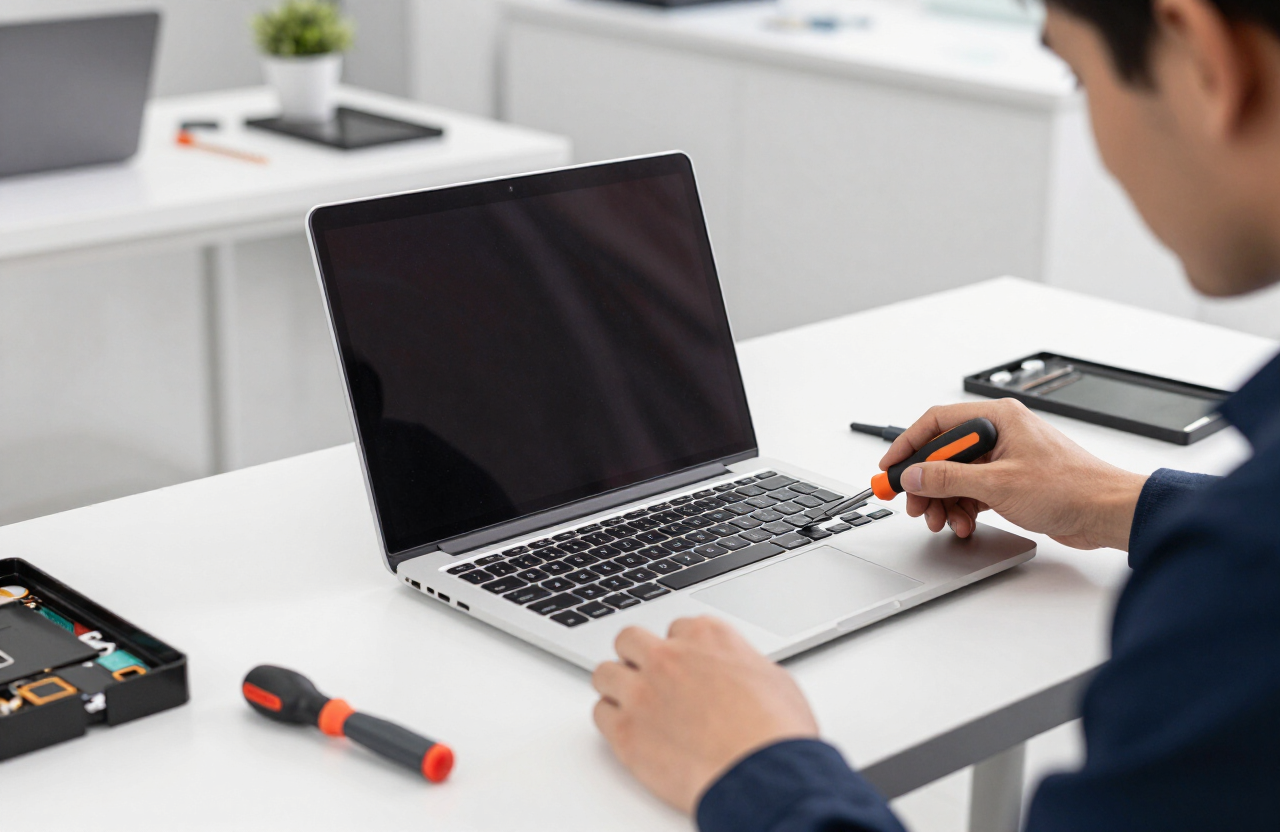
Upgrade Your Computer with an SSD
Replacing a traditional spinning hard drive with a solid-state drive is one of the best ways to breathe new life into an older computer.
Much faster boot times
SSDs can reduce startup time from several minutes to under 30 seconds on many computers.
Faster application loading
Programs and documents open dramatically faster with an SSD compared to a traditional hard drive.
More reliable storage
SSDs have no moving parts, making them more resistant to physical shock and less prone to mechanical failure.
Data recovery from severely damaged or failed drives is not guaranteed. If your drive is failing, bring it in promptly — the sooner we assess it, the better the chances of a successful recovery attempt.
Choose How You Want Your Repair
Select the repair option that works best for your device, location, and schedule.
Data Transfer & Backup FAQ
We can transfer files, documents, photos, email accounts, browser bookmarks and compatible settings. Some applications may need to be reinstalled with your original license on the new computer depending on the software.
Other IT Services
Ready to Protect or Transfer Your Data?
Call us, request a quote or book at our Tustin store. Don't wait until a drive fails to set up a backup.