
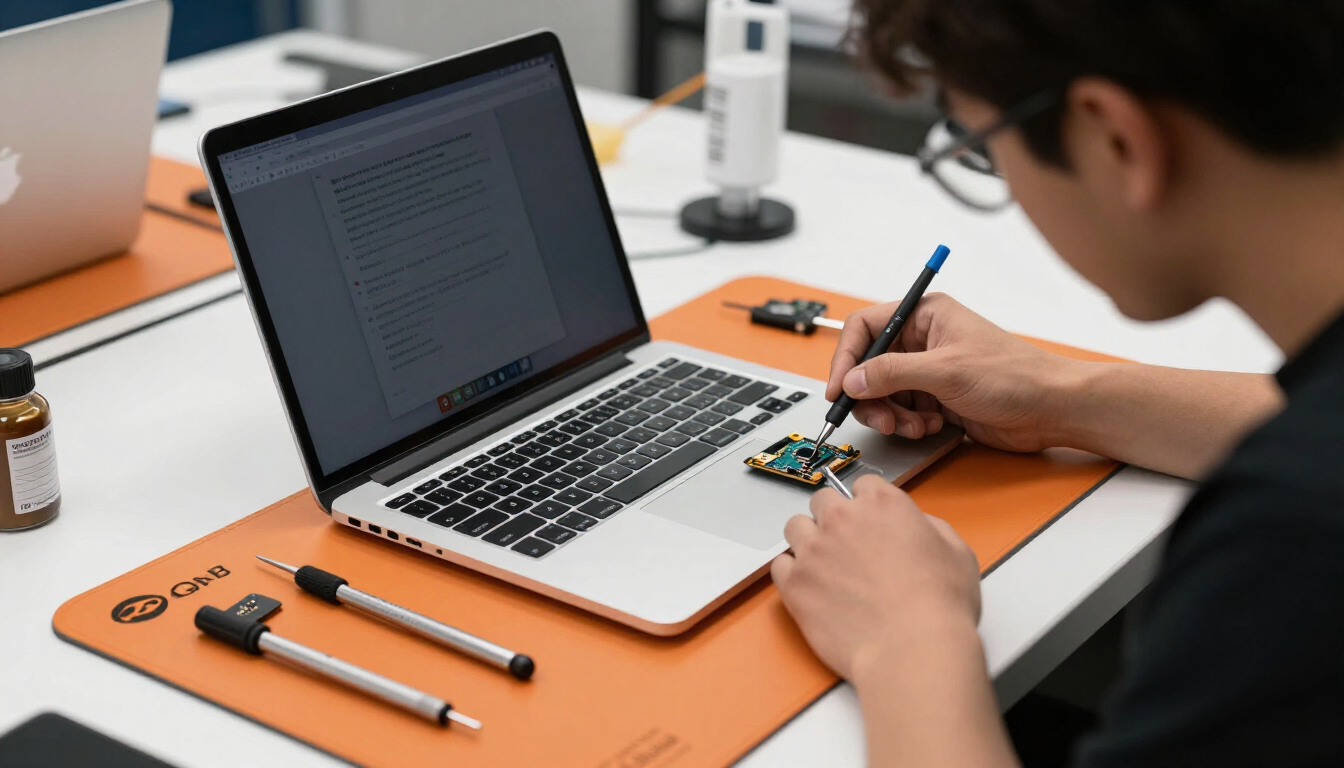
MacBook Repair in Tustin for MacBook Air and MacBook Pro
A MacBook is often central to work, school, business, creative projects, and personal files. When it stops charging, displays a black screen, runs slowly, overheats, or suffers liquid damage, a professional diagnostic can help determine whether the problem involves the battery, display, keyboard, charging system, storage, software, or logic board.
Ultimate Wireless Solutions provides MacBook repair at our Tustin location for supported MacBook Air and MacBook Pro models. We also offer mail-in service and limited pickup or mobile options depending on the repair.
Serving nearby cities? See our MacBook repair pages for Irvine and Santa Ana, mobile service areas supported from our Tustin storefront.
Choose How You Want Your Repair
Select the repair option that works best for your device, location, and schedule.
MacBook Models We Service
Exact repair options depend on your model number and year.
MacBook Air
Repair support for many MacBook Air generations, including recent Apple-silicon models.
MacBook Pro
Repair support for MacBook Pro models across multiple screen sizes and years.
Intel-Based MacBooks
Older Intel MacBook Air and MacBook Pro models are supported for many common repairs.
Apple-Silicon MacBooks
Repair options for M-series MacBooks, with availability depending on the specific board-level issue.
Older Supported Models
Some earlier MacBook models remain supported. Share your model number and year to confirm.
Common MacBook Repairs
MacBook Screen Repair
Cracked displays, black screens, flickering, lines, backlight problems, damaged hinges, and display cable issues.
Battery Replacement
Short battery life, service-battery messages, swelling, unexpected shutdown, overheating, or failure to power on without a charger.
Charging & USB-C Repair
Damaged charging ports, MagSafe problems, USB-C issues, charging adapters not recognized, and charging only at certain angles.
Keyboard Repair
Stuck keys, repeating keys, missing keys, liquid-damaged keyboards, and unresponsive keys.
Trackpad Repair
Clicking problems, cursor issues, swollen batteries affecting the trackpad, and liquid damage.
Liquid-Damage Diagnostics
Turning the MacBook on or charging it after liquid exposure can worsen damage. Disconnect power and arrange an inspection promptly.
Logic-Board & Microsoldering Repair
Some no-power, charging, display, and liquid-damage problems may require component-level board repair.
macOS & Software Support
Startup problems, operating-system errors, freezing, slow performance, update problems, and storage issues.
Data Recovery
Options for damaged, non-starting, or storage-failed MacBooks. Data recovery is not guaranteed.
Learn more →MacBook Repair Process
- 1
Identify the MacBook model and year.
- 2
Describe the symptoms you're experiencing.
- 3
Complete a hardware and software diagnostic.
- 4
Review the repair recommendation and quote.
- 5
Approve the repair.
- 6
Complete post-repair testing.
Service availability depends on your location, device, repair type, parts availability, and technician availability. Contact us to confirm before booking.
Why Choose Ultimate Wireless Solutions
Experienced repair technicians
Our technicians diagnose MacBook issues at the hardware and software level before recommending a repair.
High-quality replacement parts
We use quality replacement components suited to the model and repair being performed.
Local Tustin storefront
Visit us at 18062 Irvine Blvd, Suite 207, Tustin, CA 92780, or ship your MacBook to us for mail-in service.
Warranty coverage varies by repair
Coverage depends on the specific repair and replacement part. Ask your technician for details.
MacBook Repair FAQs
Click the Apple menu, select "About This Mac," and note the model name and year. Our technicians can also help identify it in person.
Want the Full MacBook Troubleshooting Guide?
Our in-depth guide walks through the 10 most common MacBook problems — no power, no charge, black screens, swollen batteries, overheating, liquid damage, and board-level faults — with safe troubleshooting steps and when a professional diagnostic is the right next step.
Read the MacBook Repair Guide →Need Your MacBook Repaired?
Request a quote, book an appointment at our Tustin repair shop, or call Ultimate Wireless Solutions at 949-300-8898. Also consider our computer repair services for Windows devices.
Apple, MacBook Air, and MacBook Pro are trademarks of Apple Inc. Ultimate Wireless Solutions is an independent repair provider and is not affiliated with, sponsored by, or endorsed by Apple Inc.